A data solution for a smaller company: what it is and where to start
What a data solution for a smaller company is, what it consists of, what you need, how long it takes and what it costs. No IT project, but your own numbers in one overview.
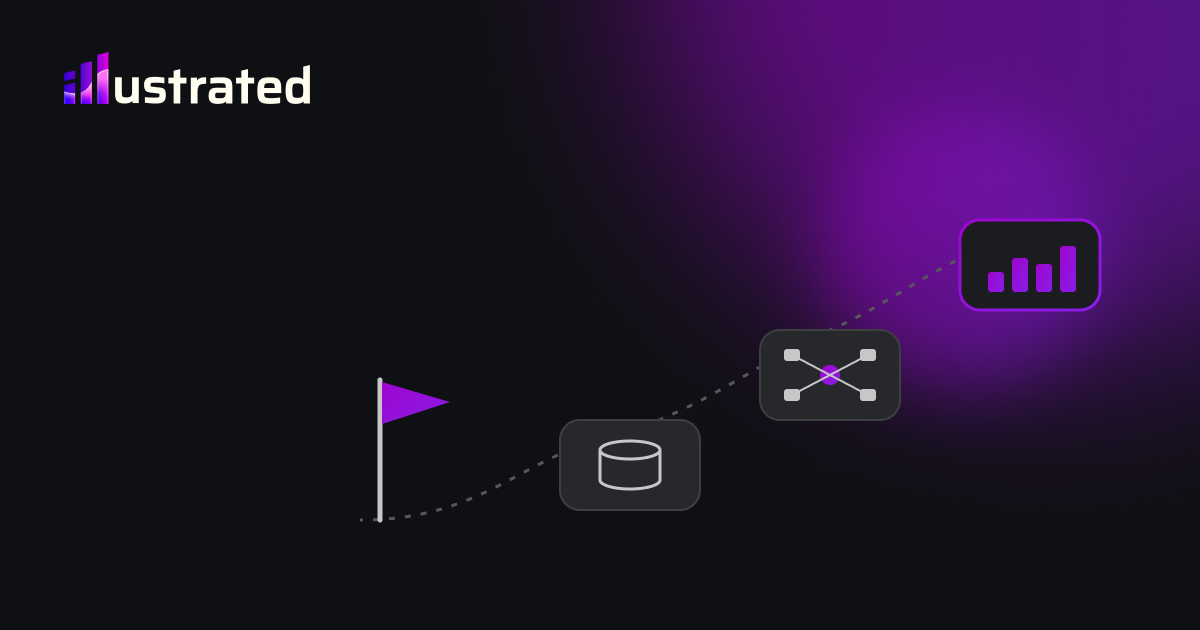
A data solution sounds like something for large companies with an IT department. It is not. For a smaller company it simply means this: your numbers from different systems come together automatically, in one overview you look at every week, so you decide on facts instead of on feel.
No big project, no data team, no year of implementation. Below is what it consists of, what you need, how long it takes and what it costs.
The problem it solves
Most smaller companies do not have too little data. They have too much, in too many places. The accounts in one package, sales in the till or webshop, payroll at the payroll provider, the schedule in a spreadsheet, quotes in an email.
Every system knows its own part. None of them knows the whole. So someone exports, copies and pastes, every month again. That works until that person is ill, or a column shifts, or two versions of the same file get mixed up. See why Excel reports break.
And the most important answers are exactly between those systems. Did revenue fall because fewer people came in, or because they bought less? You only see that if till and footfall sit side by side. See the truth sits between your sources.
What a data solution consists of
Four parts, in this order.
- Connections. Your data is fetched automatically from the systems you already use: accounting, ERP, till, webshop, payroll provider, advertising. Read only, never written back.
- One database. Everything comes together in one place, in a database in your name. That is the memory of your company, including history your systems sometimes do not keep.
- A model with definitions. Here it is decided what revenue, margin or an active customer means for you, once and for everyone. That is the real work. See the data model is the work.
- A dashboard and alerts. The overview you look at every week, on your computer or phone, plus a message when something deviates. Often in Power BI.
Sometimes there is a fifth part: if the data you need is not recorded anywhere, a small app is built first to record it. See sometimes you have to build the source first.
What it does not have to be
- Not a new ERP. Your existing systems stay. The data solution sits next to them.
- Not a large platform. Most smaller companies do not need an expensive analytics platform. See Power BI or Fabric.
- Not forty numbers. Start with the handful you really steer on. See the five numbers every week.
What you need to start
Three things:
- A user in your systems that is only allowed to read.
- A list of where your numbers come from.
- Half an hour to agree on what your most important numbers mean.
That is it. You do not need to know anything about databases or dashboards. You do need to know which decisions you make every week.
How long it takes
At Illustrated the prototype is ready within one to two weeks after we have access to your data, built on your own numbers. The full version usually takes three to six weeks.
The technology is rarely the slowest part. What takes time is agreeing on definitions and finding out where a source behaves differently than expected.
What it costs
Two kinds of cost, and it helps to keep them apart.
- Building it. We first build a prototype on your numbers, at no cost and with no obligation. After that you get a fixed price for the full version, not an hourly bill. Why we work that way is in why we build first and talk about money later.
- Running it. No subscription from us. What remains are the costs of third parties: Power BI licences per user, and a database that is often free or costs a few euros a month. We calculate those for you up front.
Who owns it, and where is the data
Everything is in your name: the report in your Power BI environment, the code in your own environment, the data in a database you own. We get access through an invitation you can revoke at any time. The data sits in the European Union, and before the first login there is a data processing agreement. More on that in GDPR and your dashboards.
Signs that it is time
- Someone spends hours every month gathering numbers.
- Three people give three different answers to the same question.
- You only see problems when the accountant reports.
- You decide on feel because the numbers come too late.
- The important numbers, like absence, footfall or open quotes, are not in your accounts.
Two or more of those: then a data solution will pay off quickly.
What you can automate
That is really the whole point. Fetching data from your systems, combining it, recalculating it and refreshing the dashboard runs automatically every day. Alerts on deviations run automatically. Even part of the administration around it, like matching invoices or recurring cost tasks, can often go along. See five cost tasks still done by hand. What stays manual is looking and deciding.
The claim
A data solution for a smaller company is not an IT project. It is connecting what you already have, agreeing on what your numbers mean, and putting them in one overview that updates itself. Start small, with your own numbers, and see what it delivers before you decide.